Objectives
Objectives are actions that the player performs to complete a progress that is tied to it, they are easy, reliable, flexible and reusable pieces of code that can be used to create a wide variety of objectives for your quests.
To create a new objective, you need to create a new blueprint that derives from the Quest Objective class, then you can override the function Begin Objective to add logic.
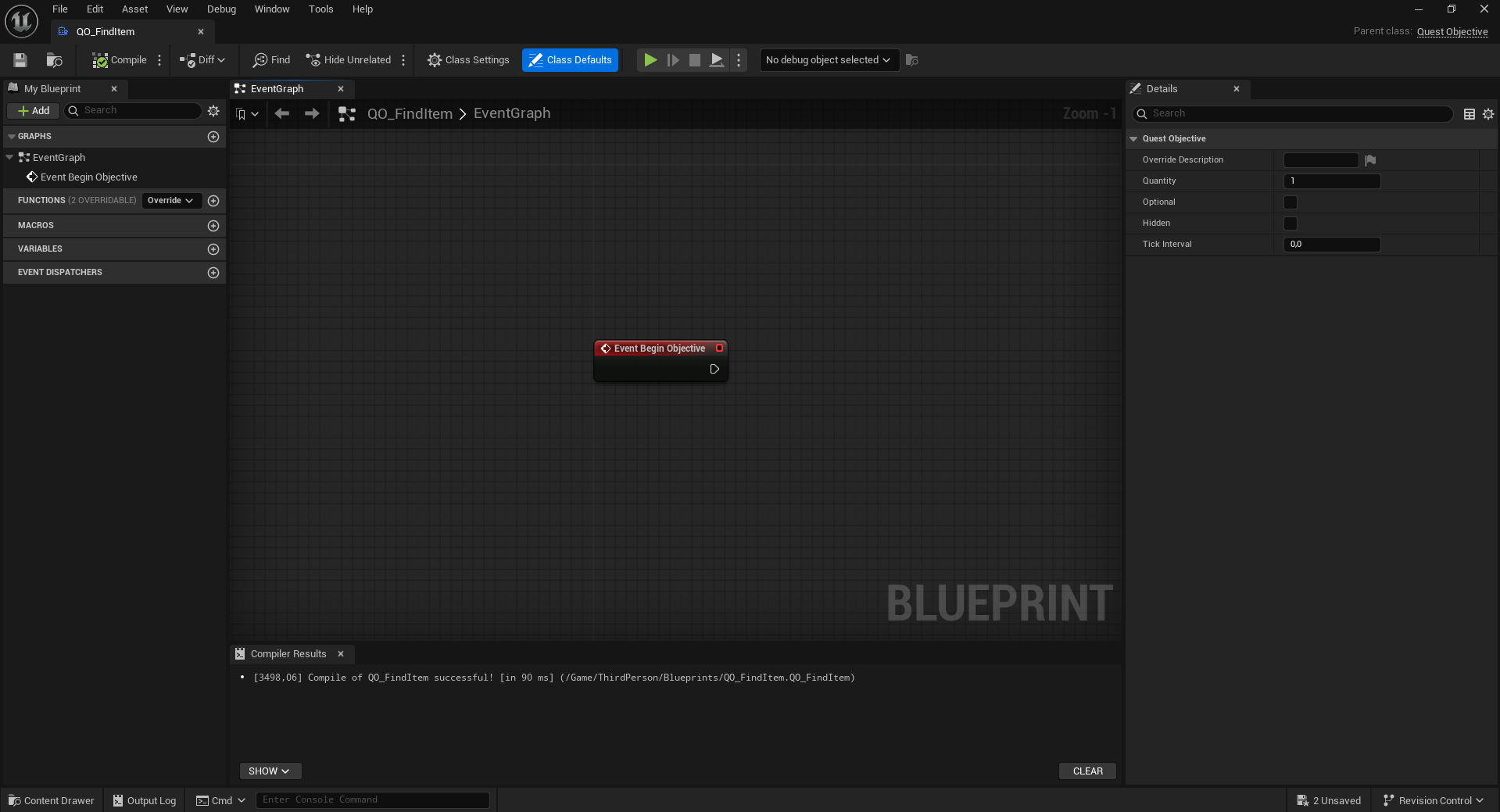
Every objective has a quantity tied to it that represents how many times the player needs to perform the action to complete the objective, for example, if you want the player to collect 5 items, you can set the quantity to 5 and every time the player collects an item, you can call the function Add Progress to update the progress of the objective until it reaches the quantity, at which point the objective will be completed.
On the contrary, if you want to complete the objective immediately after performing some action, you can call the Complete Objective function.
Here is an example of how a find item objective might look like (not included in the system by default):
Objectives also provide access to the quest component, quest progress they are tied to, the owning quest and the owning actor (of the quest component) that you can use to make custom logic.
Tick Objective
Every objective comes with a Tick Objective function that is called once every tick interval that you set in the class defaults, this can be useful when you want to check for certain conditions to be met in order to update the progress of the objective
For example, if you want to create a "Stay in area for 30 seconds" objective, you can check if the player is in the area every tick and if they are, you can add progress to the objective until it reaches the quantity of 30 seconds.
Get Objective Description
In the quest graph, by default, the description of the objective is just "Objective Description", but there are 2 ways you can override this:
- Using the Override Description property on the objective
- Overriding the Get Objective Description function in the objective blueprint
Here is an example of how to override the description using the function (for a find item objective):
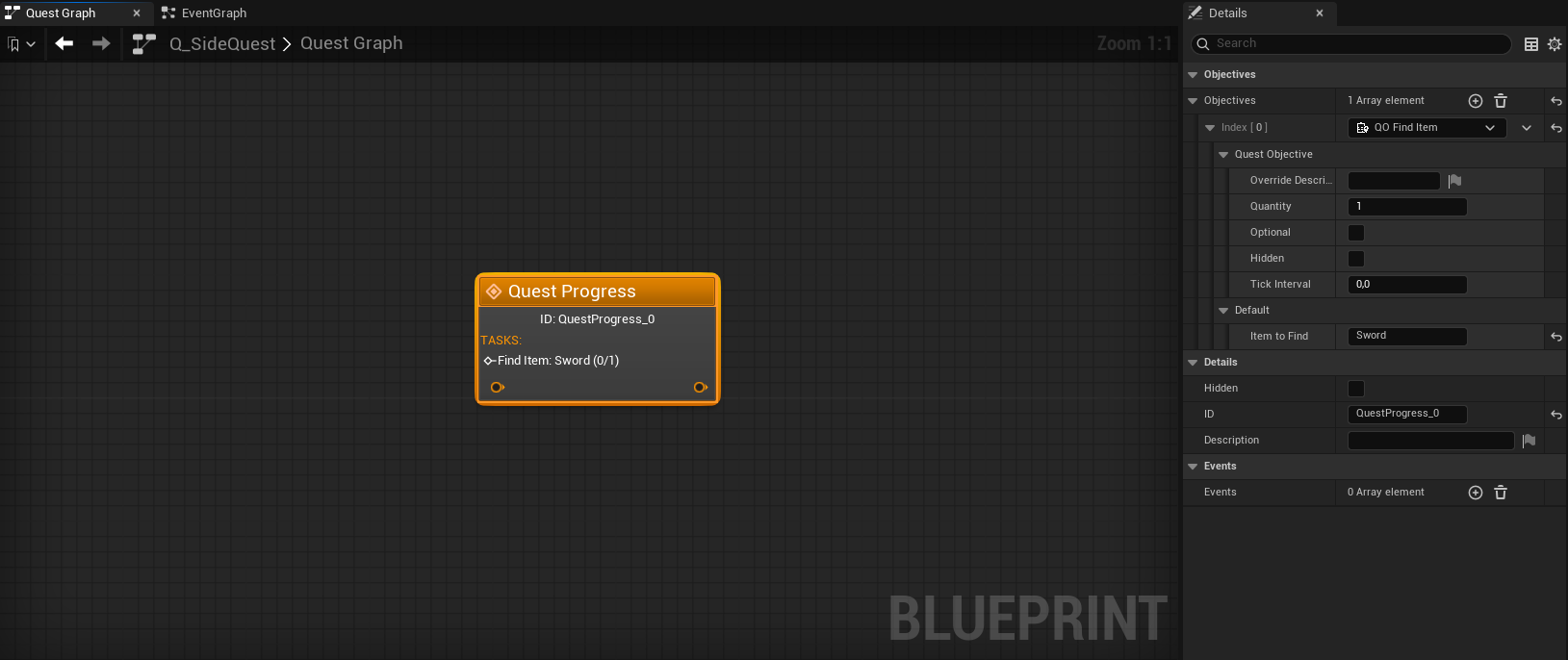
When we take a look at the quest graph and set on the objective "Item To Find" to "Sword" we can see that the description of the objective has been updated to "Find Item: Sword (0/1)":
Default Objectives
The quest system comes with some default objectives that you can use in your quests, these objectives are:
- Go to Location: This objective is completed when the player is within a certain distance threshold from the designated location.
- Complete Quest: This objective is completed when the player completes another quest.
- Complete Quest Progress With ID: This objective is completed when the player reaches a certain progress ID in another quest.